Edge Device Management for Node-RED
The FlowFuse Device Agent runs Node-RED on your edge hardware and connects it to FlowFuse. Open the editor anywhere, push the same flows to every machine in a group, and roll back between snapshots without a site visit, a VPN request, or a single inbound port.
"Without FlowFuse, I would be able to support maybe one production unit, but that's it. FlowFuse gives us the chance to deliver what the business asks us for while maintaining our small team size."
 Felix Reck · IT Application Manager, Walter Tools (formerly)
Walter Tools scaled from 1 to 130+ instances with the same IT team.
Install the Device Agent from your terminal
Start where your hardware already is. Run the installer on the machine you want to bring online and it walks you through the rest, including creating a FlowFuse account if you don't have one yet.
/bin/bash -c "$(curl -fsSL https://flowfuse.github.io/device-agent/get.sh)" && ./flowfuse-device-agent-installerInstalling with npm or Docker instead? The installation docs cover every route.
What FlowFuse Edge Device Management Fixes
Node-RED is easy to run on one machine in front of you. The work starts when that machine is remote, the fleet grows, and every change has to reach production safely.
Getting to the machine costs a day
Changing a flow on a remote machine can mean a VPN request, a jump host, or someone driving to the site.
The Device Agent makes an outbound connection to FlowFuse instead. Put the machine in Developer Mode and open its Node-RED editor in your browser, wherever the machine is running.
Every site ends up with its own version of the flow
One engineer fixes a flow on site two. Someone else copies it to site five. Six months later, nobody is sure which version is running where.
Create a snapshot and set it as the target for a device group. Every device in the group runs that version, and new devices automatically receive the same target when they join.
200 machine updates, 200 chances to go wrong.
Promote a snapshot along a DevOps pipeline (development, then test, then production) so a change only reaches the plant floor after it has run somewhere safe. If it still goes wrong, set the previous snapshot as the target and the fleet rolls back.
The connection drops, but the line doesn't
A remote machine shouldn't stop doing its job because its connection to FlowFuse disappears.
Flows continue running on the device when its connection to FlowFuse is lost. The Device Agent reconnects automatically and picks up the target snapshot when connectivity is restored.
“What version is site 12 running?” shouldn't require a phone call
When devices are spread across plants, answering a simple version question can mean asking someone at each site to check.
Registered machines show their online status, the snapshot they are running, and whether it matches the version assigned to them.
Security has to sign it off before anything goes to the plant
IT and security teams need to know what an edge machine connects to before allowing it onto the network. The Device Agent is Apache-2.0 open source, so your team can inspect how it works. It uses outbound connections to FlowFuse, with no inbound ports required for remote management.
How the Device Agent Works
Three steps take you from a machine sitting on a bench to a Node-RED application running in production.
Learn how to install the FlowFuse Device AgentInstall and provision
Run the installer on the machine. It installs the required components, registers the machine with your FlowFuse team, and configures the Device Agent as a service so it starts again after a reboot.
For larger deployments, use bulk registration options to provision multiple devices.
Build and test against the real hardware
Developer Mode opens that device's Node-RED editor through FlowFuse. Build against the real PLC, sensors, and network, then take a snapshot when the application is ready.
Deploy the version you tested
Set that snapshot as the target for one device or a group of hundreds. Devices update to the assigned version and stay there until you assign another target.
Use DevOps pipelines to move changes from development through testing and into production.
Supported Hardware, Operating Systems, and Protocols
Hardware and operating systems
OT Device Management and IoT Fleet Management
Plant-floor applications rarely live in isolation. They connect PLCs, machines, databases, APIs, and other systems while IT teams need a consistent way to deploy and maintain them across sites.
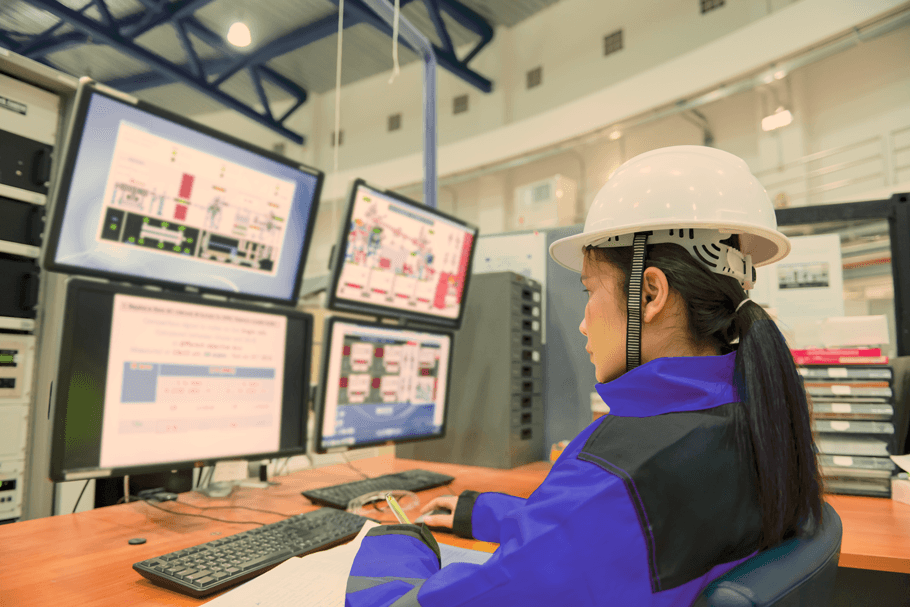
OT device management
FlowFuse Edge helps OT teams connect PLCs, machines, and controllers and standardize industrial applications across sites.

IoT fleet management
FlowFuse Fleet provides tools for pushing flows, shipping updates, and rolling back applications across distributed devices.
Pick the machine that’s inconvenient to visit
Install the Device Agent on that one and watch it appear in FlowFuse. It is one command, and it costs nothing to find out.